

Latest Version
OlaProeis
General
Linux
Free
io.github.olaproeis.Ferrite
Report a Problem
More About Ferrite
The Modern Challenge of Markdown Editing
For developers, technical writers, and documentarians on Linux, finding a text editor that balances raw performance with rich visual feedback can be incredibly frustrating. Many editors are either too resource-heavy or lack the visual tools needed to render complex diagrams and structured data on the fly. Ferrite markdown editor solves this dilemma by offering a lightning-fast, native environment designed specifically to streamline your documentation workflow.
What is the Ferrite Markdown Editor?
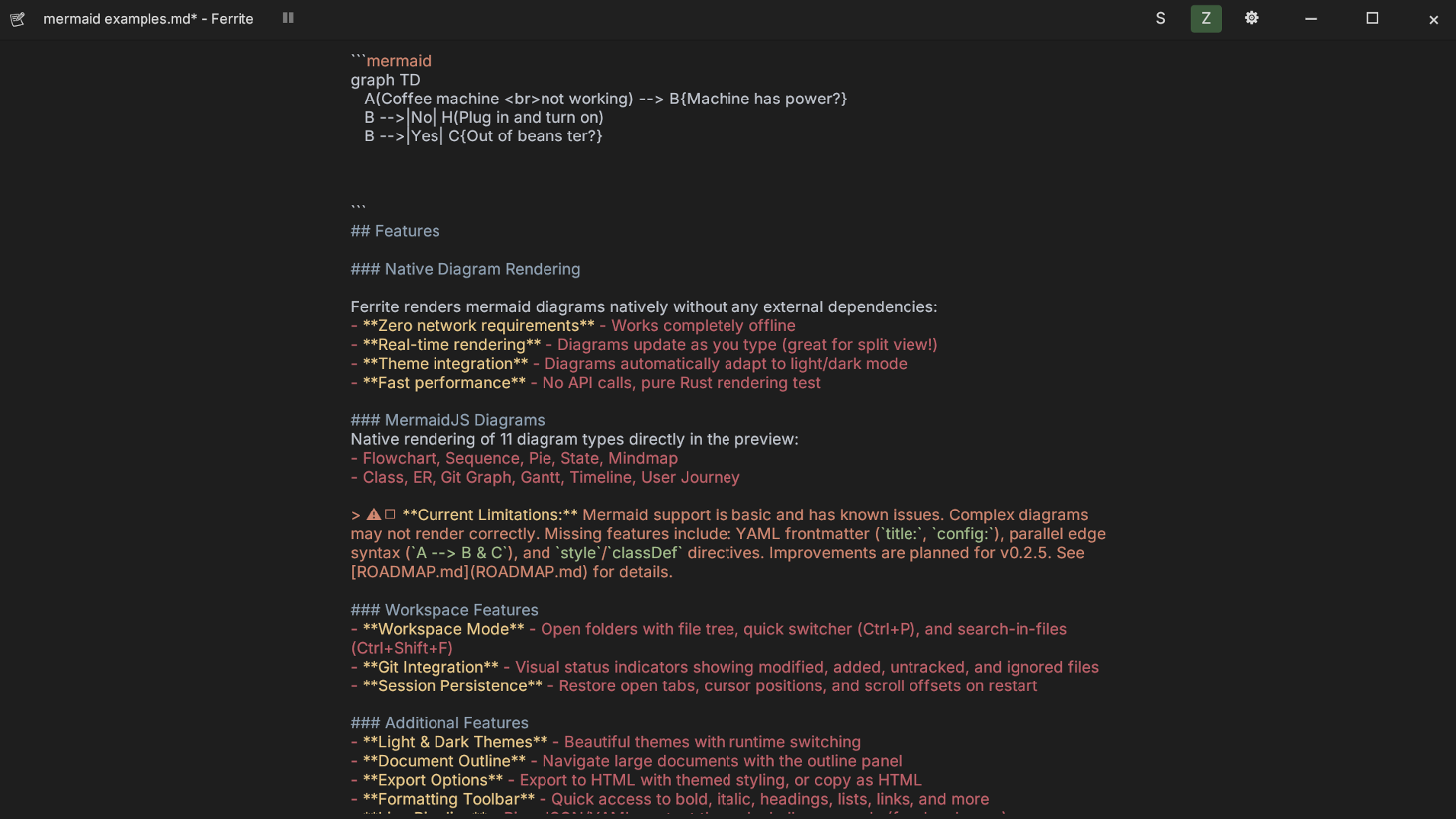
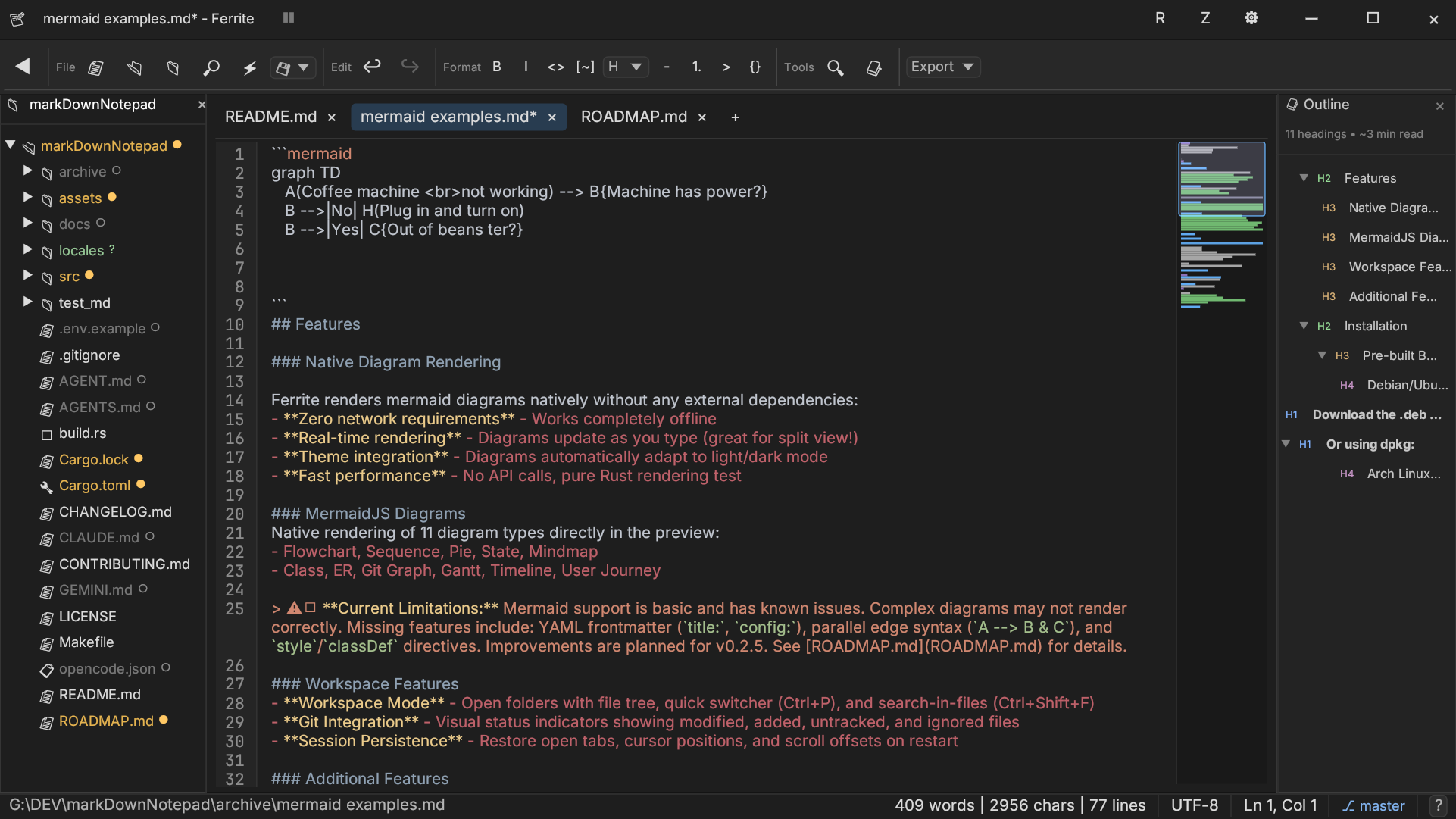
Built with Rust and the egui framework, Ferrite is a highly responsive, native markdown editor for Linux. It combines the speed of compiled native software with a modern, feature-rich editing suite. Whether you are drafting basic notes or building complex technical documentation, this application provides the tools to write, preview, and organize your work without any lag.
Standout Features for Technical Writers
Ferrite stands out from traditional text editors by offering built-in support for advanced visualization and structural data viewing. Here are the key capabilities that make it a powerful addition to your development toolkit:
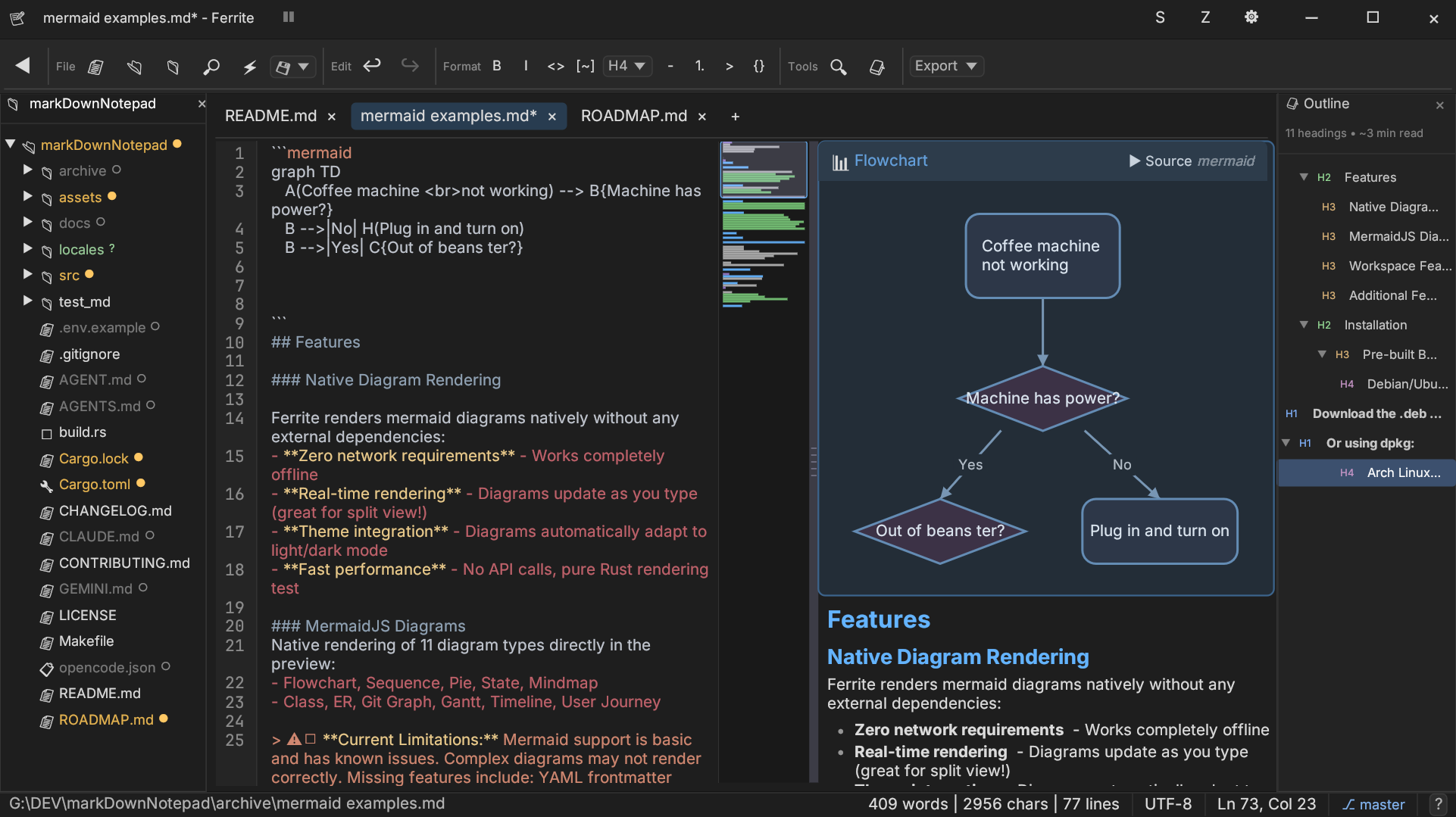
- Versatile View Modes: Work your way with three distinct layouts: Raw editing for distraction-free coding, Split view for real-time feedback, and a full WYSIWYG live preview.
- Native Diagram Rendering: Render complex Mermaid diagrams directly inside your document, including flowcharts, sequence diagrams, class structures, Gantt charts, and pie charts.
- Structured Data Viewers: Read and navigate massive data sets easily with a CSV/TSV viewer featuring rainbow column coloring and sorting, alongside a collapsible JSON/YAML/TOML tree viewer.
- Seamless Git Integration: Keep track of your repository status with visual indicators directly inside the workspace file tree.
- Synchronized Navigation: Experience synchronized scrolling between your raw editor and the live preview pane, ensuring you never lose your place.
- Extensive Customization: Choose from over 25 syntax highlighting themes, toggle between global light and dark application themes, or enter Zen mode for zero distractions.
Who is This Native Editor For?
If you are a Linux user who frequently works with markdown, structured data files, or system diagrams, Ferrite is designed for you. Its native Rust architecture ensures it runs exceptionally well even on modest hardware, making it a reliable daily driver for developers, technical authors, and open-source enthusiasts who demand speed and precision.
Our Editorial Verdict
Ferrite is an exceptional, lightweight utility that successfully bridges the gap between simple text editors and heavy IDEs. By integrating Git status, data file viewers, and Mermaid diagrams into a single lightweight package, developer OlaProeis has delivered a highly practical tool for the Linux ecosystem. To experience this high-performance writing environment yourself, check out the official listing on the Flathub store page.
Rate the App
User Reviews








Popular Apps










Editor's Choice