Latest Version
Goodnotes Limited
Lifestyle
Windows
Free
9n92mc09db30
Report a Problem
More About Goodnotes
The Struggle of Digital Paperwork Solved
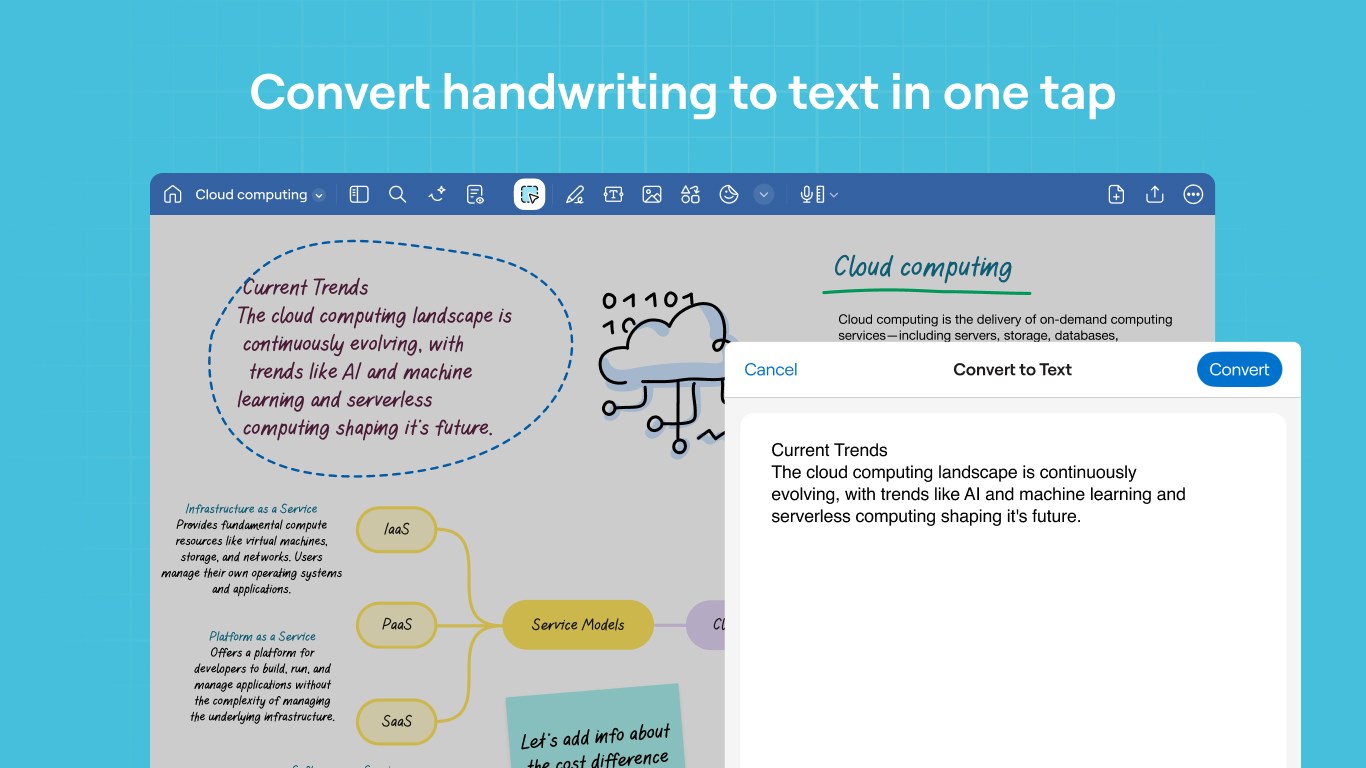
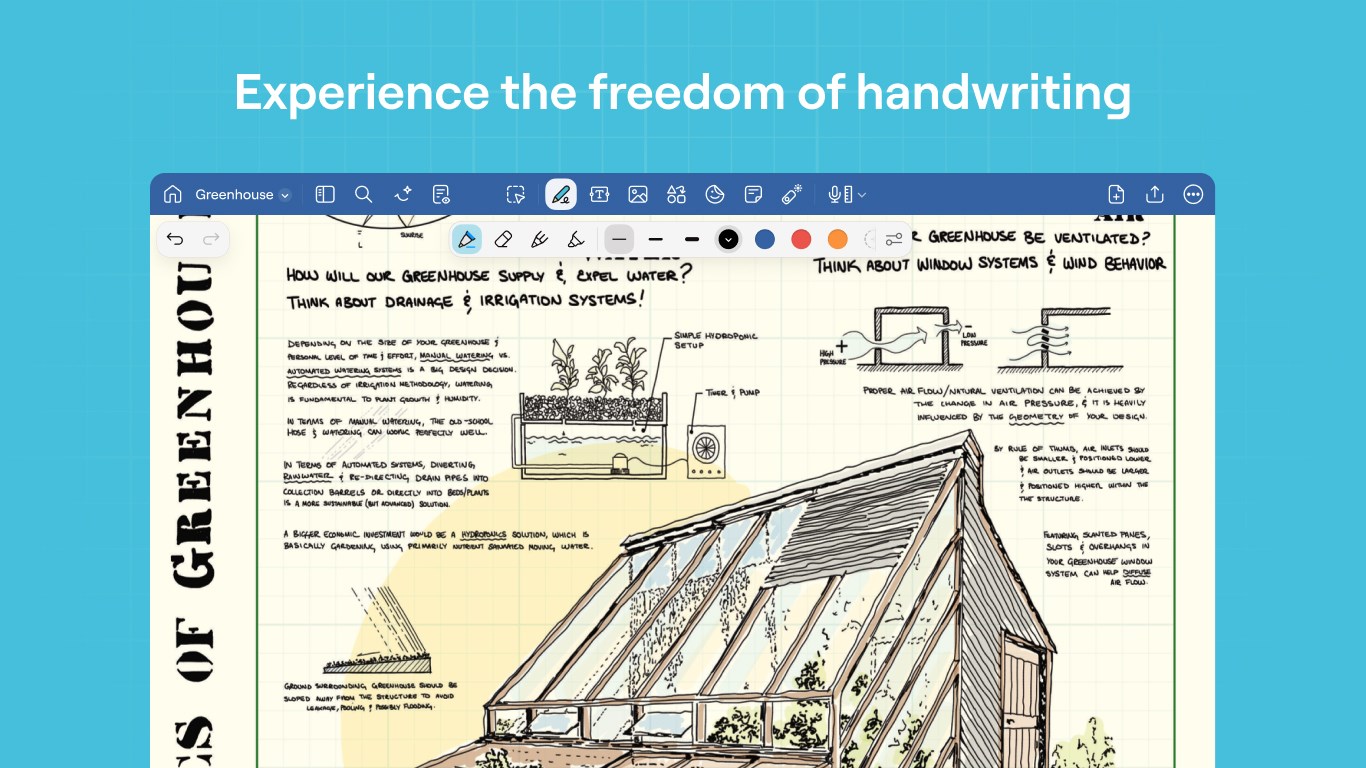
Keeping track of loose papers, scattered notebooks, and endless digital PDFs can quickly derail your productivity. For students and professionals alike, the challenge isn't just writing things down—it's finding those ideas when they matter most. The Goodnotes digital note taking platform addresses this exact pain point, offering a seamless bridge between traditional handwriting and modern digital organization.
Key Features of the Goodnotes Digital Note Taking App
Designed for Windows, Chromebooks, and web browsers, this versatile application brings a paperless workflow to your favorite devices. Here is what makes it a standout choice for organizing your thoughts:
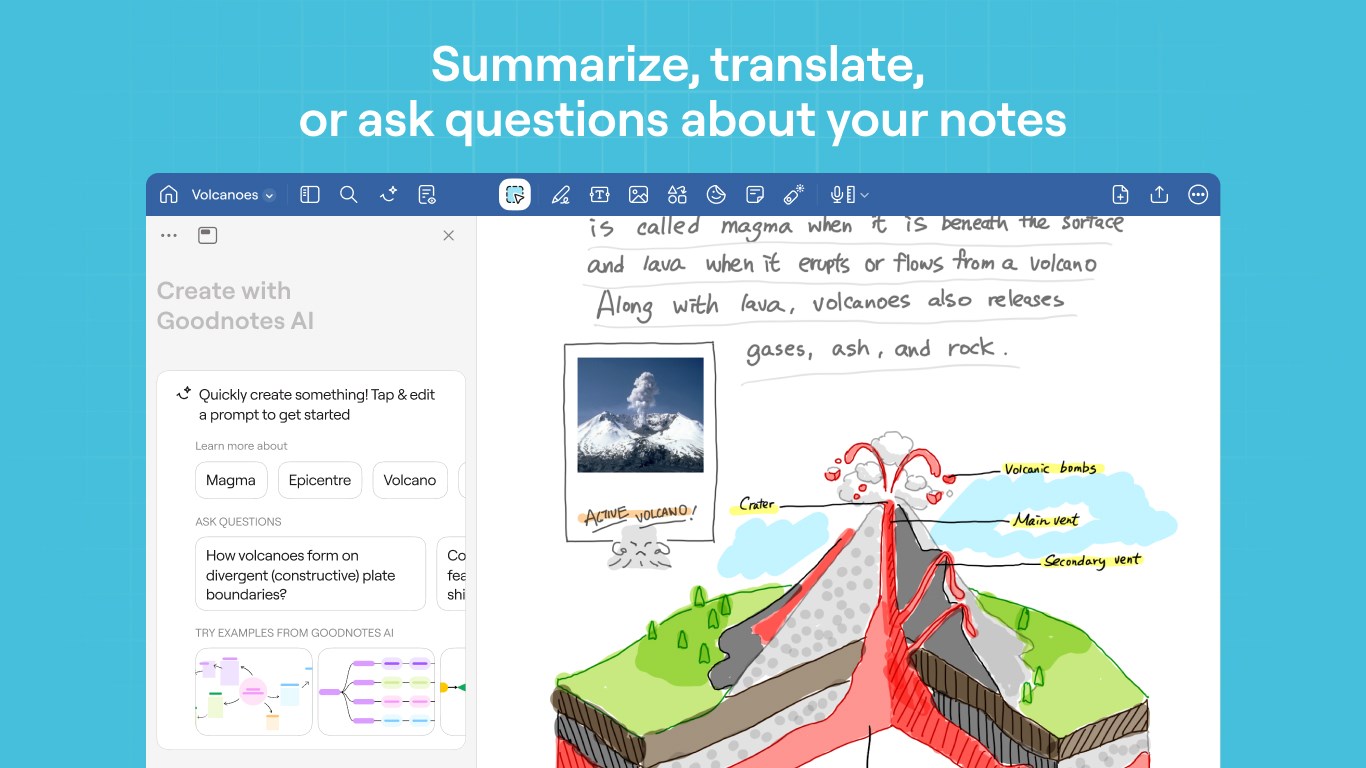
- Goodnotes AI Integration: Draft text in seconds, summarize long paragraphs, and use tone suggestions or smart corrections to polish your writing.
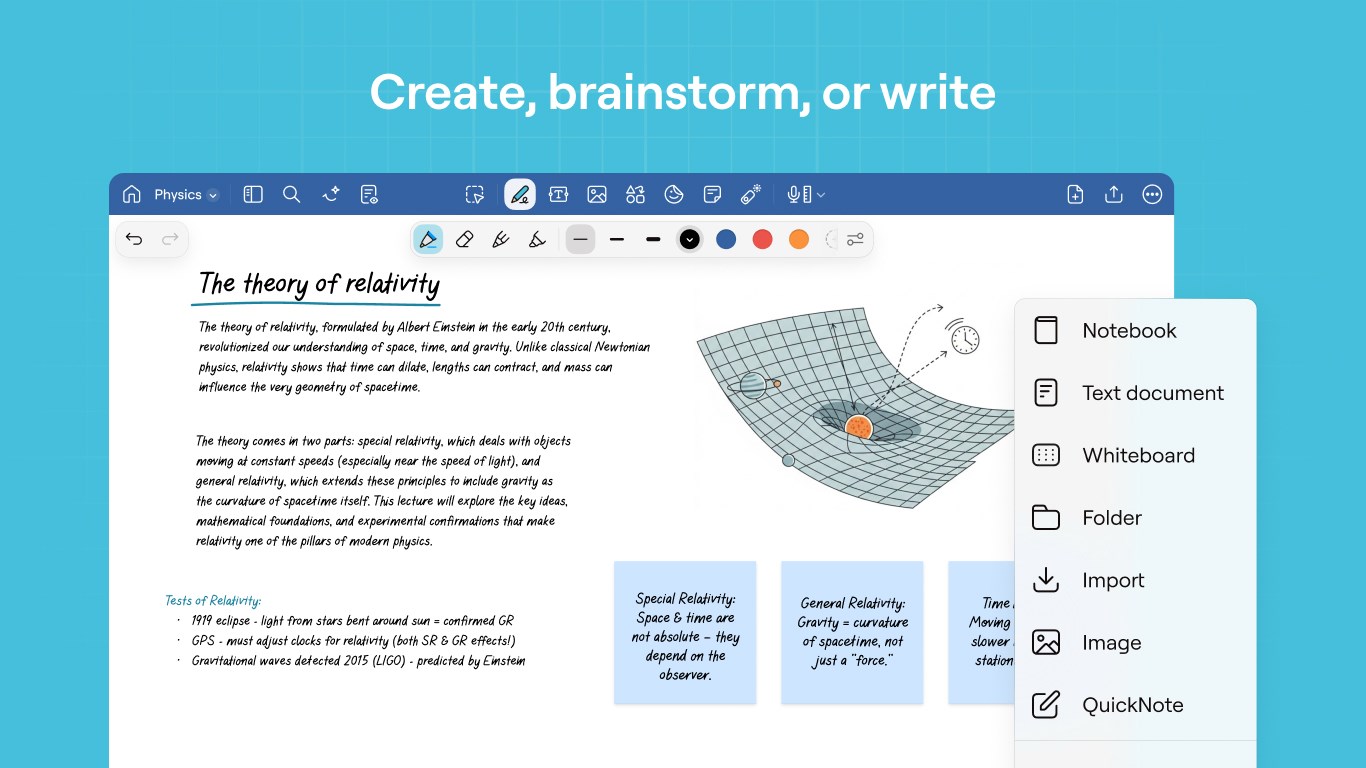
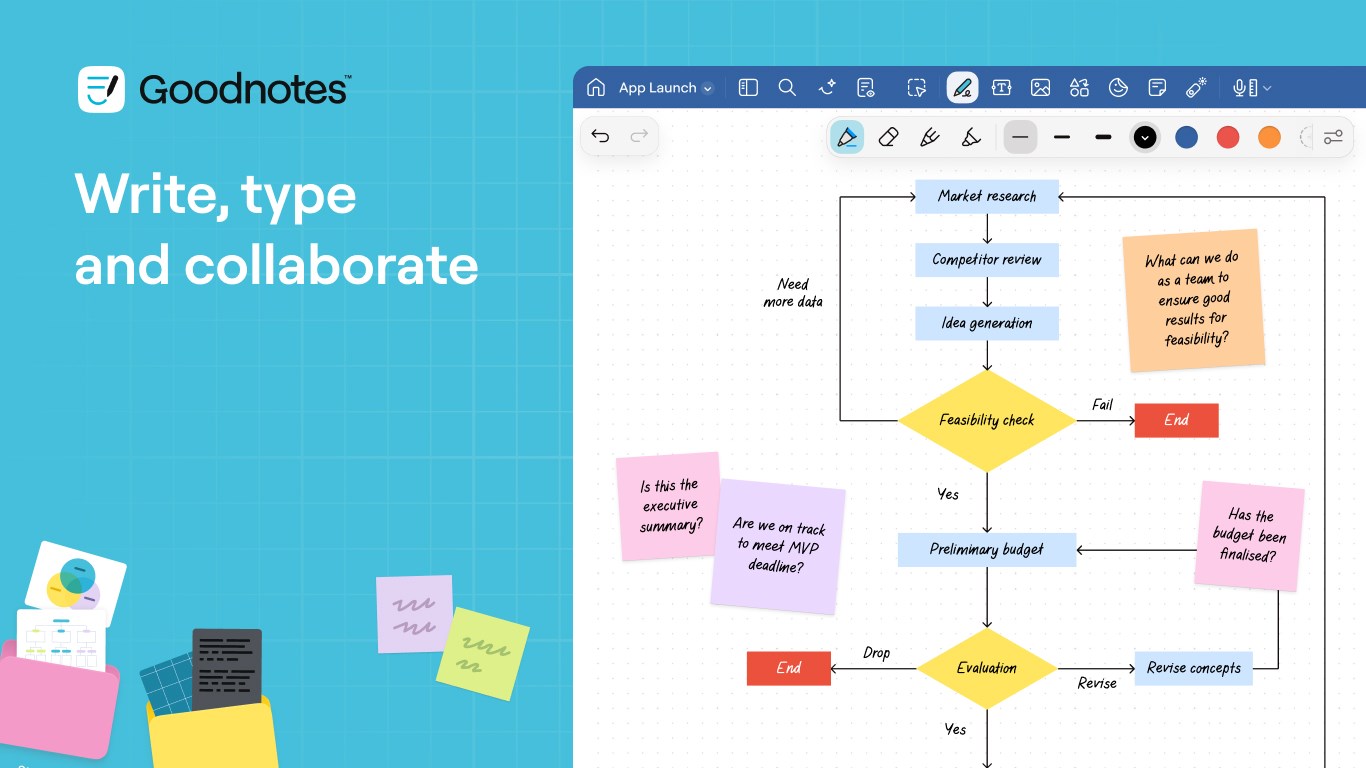
- Flexible Document Types: Choose standard Notebooks for daily planning, unstructured Whiteboards for freeform mind mapping, or structured Text Documents for rapid typing.
- Smart Search & Organization: Create unlimited nested folders to group your PDFs and notebooks, and quickly locate key terms across both typed and handwritten notes.
- Seamless Cross-Device Access: Work on your Windows tablet, switch to a Chromebook, and view your updates instantly via your web browser.
Tailored Workflows for Students and Professionals
For the Classroom
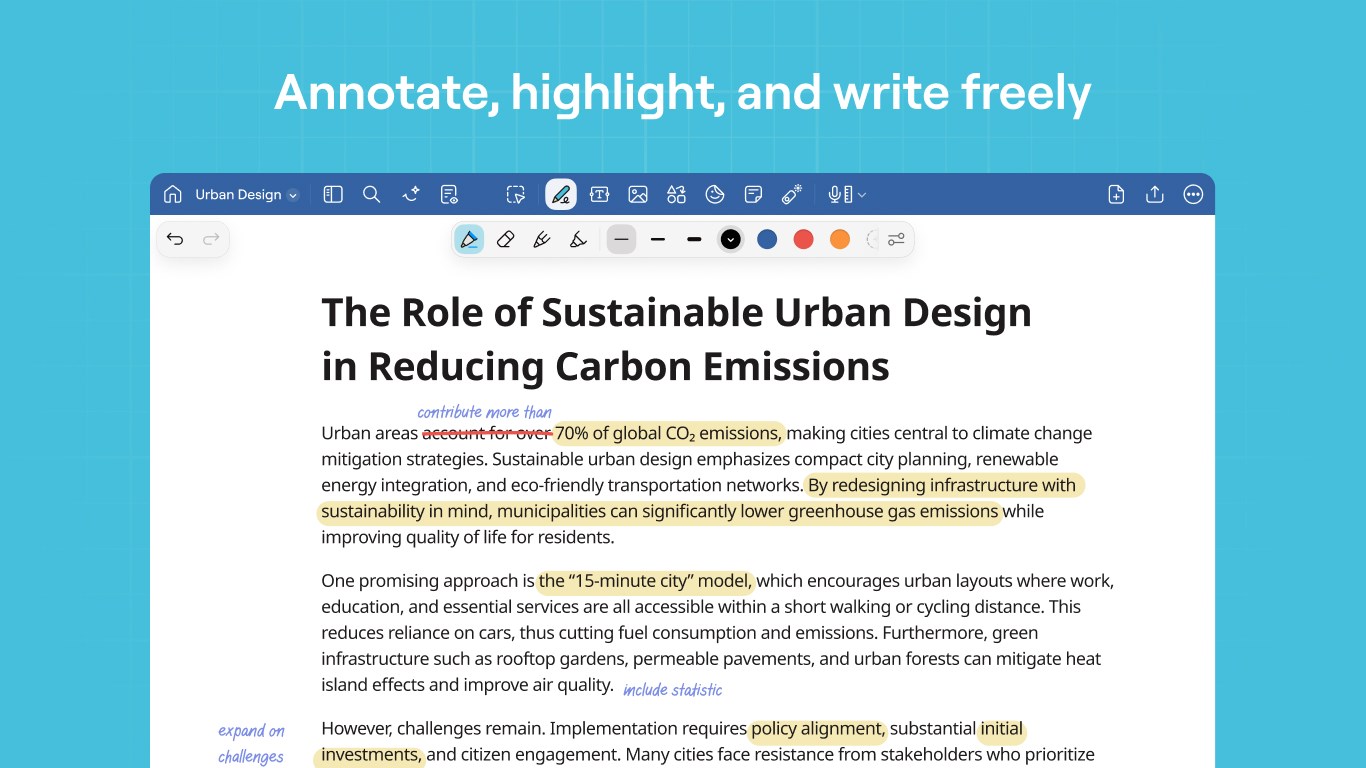
Students can revolutionize their study habits by importing lecture slides as PDFs, annotating them in real time, and organizing subjects with custom planners and covers. Collaborative features allow classmates to share notebook links and work together on group projects in real time, making study sessions highly interactive.
For the Boardroom
Professionals can streamline document management by importing, signing, and markup up PDFs directly on screen. During presentations, the built-in laser pointer tool helps guide colleagues through your thoughts, while instant PDF exporting makes sharing meeting minutes via email completely hassle-free.
Is Goodnotes Right for You?
If you are looking to replace physical binders with a highly organized, searchable digital library, this application offers an incredibly polished experience. While basic performance may vary on entry-level devices with 4 GB of RAM or less, the core cross-platform synchronization and AI-assisted tools make it a premier choice for modern note management.
Ready to elevate your productivity? Head over to the official Windows App Store to explore the Goodnotes digital note taking software and start your free trial today.
Rate the App
User Reviews





Popular Apps



Editor's Choice